Connectivity: The Lifeblood of Modern Events
Why Reliable Connectivity Matters
In 2026, a solid network is as essential to an event as electricity or running water. Virtually every aspect of live events now depends on connectivity – from mobile ticket scanning at the gates to cashless payment transactions and live streaming on stage. When the Wi-Fi works, nobody notices; when it fails, it’s all everyone remembers. A flaky network can stall entry lines, halt sales at food stalls, and silence your event app. In short, bad Wi-Fi can tank an event’s experience and revenue, as unreliable internet becomes the only thing anyone remembers. On the flip side, great connectivity keeps everything running smoothly in the background so attendees and staff can focus on the show, not error messages.
Modern attendees expect to be online at all times. They want to upload selfies, stream video, and use your event’s app in real time. Sponsors and vendors also rely on the network – think digital activations, lead capture forms, or Point-of-Sale tablets. If those choke, it directly hits your event’s success. As veteran event technologists put it: connectivity is the central nervous system of an event. It’s invisible when healthy, but any outage causes immediate pain for attendees, staff, and stakeholders.
Attendee Expectations in 2026
Today’s audiences are more tech-savvy and data-hungry than ever. 5G phones, wearables, live blogs, AR filters – attendees arrive with multiple devices and the expectation that everything “just works.” They assume they can refresh social feeds, find their friends via messaging apps, and get real-time schedule updates without a hitch. At large festivals, fans even look for free Wi-Fi zones or boosted cell signals so they can share moments instantly. Events that provide strong connectivity earn praise as forward-thinking; those that don’t face backlash. A recent example was a major concert in Africa where overloaded networks left people unable to complete mobile payments or even make emergency calls, highlighting the need for satellite mesh networking for festival connectivity – a nightmare scenario that frustrated attendees and made headlines. The lesson is clear: in 2026, connectivity isn’t a luxury perk, it’s a core part of the attendee experience and safety plan.
Meeting these expectations means designing networks for high density. It’s common for 10,000 attendees to bring 15,000+ devices among them. Fans won’t tolerate a “black hole” where nothing loads. In fact, many events now highlight connectivity in their marketing (e.g. “free high-speed Wi-Fi courtesy of X sponsor”) because they know how critical it is. Event organizers must therefore treat networking as a first-class element of event production – budgeting for it, planning for peak loads, and communicating to attendees about available connectivity. Simply put, a reputation for seamless tech can become a competitive advantage in upgrading festival basics for 2026 fan expectations and ensuring infrastructure is the new headliner.
Go Cashless With RFID Technology
Enable contactless payments, faster entry, and real-time spending analytics with RFID wristbands and NFC-enabled ticketing for your events.
The Cost of Network Outages
What happens when the network goes down at an event? In short: chaos. Entry lines grind to a halt if ticket scanners can’t verify passes. Bar and food vendors can’t process cashless payments, leading to long queues and lost sales. Event apps stop updating, leaving attendees confused about schedule changes or emergency announcements. A connectivity failure can cascade into security and safety risks too – imagine an evacuation order that can’t be pushed through the app because the network is overloaded. These scenarios have played out in real life. For instance, one UK festival’s RFID cashless system crashed due to network issues, stranding fans who couldn’t buy water or food for hours, proving why offline-capable festival payments keep sales flowing. The PR fallout from such incidents is huge, and the revenue loss is tangible. In 2023, a well-known festival in New York suffered fury when day-of entry had to be delayed; the culprit was a malfunctioning scanning system exacerbated by connectivity problems, which caused massive ticket backups, showing how infrastructure failures can infuriate fans.
On the other hand, events that crisis-proof their connectivity avoid these disasters. Having backup internet links, offline modes, and on-site IT troubleshooters means a hiccup doesn’t become a showstopper. An outage that lasts minutes instead of hours might go unnoticed by attendees if failsafes kick in. Organizers must plan for worst-case scenarios: If our Wi-Fi fails at peak time, what is our Plan B? The peace of mind (and insurance against lost revenue) that robust networking provides is well worth the investment. As we’ll explore below, techniques like network redundancy and offline operation modes can literally save your event from meltdown, ensuring contactless payments work even if the internet fails and maintaining smooth operations and safety.
Ready to Sell Tickets?
Create professional event pages with built-in payment processing, marketing tools, and real-time analytics.
By understanding attendee needs, anticipating failure points, and leveraging the latest tech, you can deliver the seamless connectivity that modern events demand. Now, let’s dive into how to design a high-density event network that can keep thousands of users online – reliably and securely – even under extreme conditions.
Planning High-Density Event Networks
Estimating Capacity and Coverage Needs
Effective network design starts with numbers. How many devices and how much data will you need to support at once? It’s no longer safe to assume “one attendee, one device.” Many guests carry a smartphone plus a secondary device (tablet, work phone) and connect them all. Corporate conferences often see 2–3 devices per person (phone, laptop, etc.), while festivals see slightly fewer per person but still huge totals. As a rule of thumb, plan for at least 1.5 devices per attendee on the network at any given time – and more if you’re encouraging heavy app engagement or streaming. Also profile what those users will do: basic web browsing and messaging? Or high-bandwidth activities like live video, VR demos, or large file uploads (common for press photographers and streamers)? Peak throughput matters – e.g. a gaming convention or hackathon might demand 50+ Mbps per user, whereas a business conference might be fine with 1–5 Mbps each for web and email.
Mastering large scale event connectivity requires a shift in mindset from standard IT networking to city-level infrastructure planning. When you cross the threshold into mega-events—think 50,000 to 100,000+ daily attendees—the RF (radio frequency) environment becomes incredibly hostile. Human bodies absorb signals, while thousands of devices constantly probe for connections, creating massive overhead. For these massive deployments, organizers must rely on specialized high-density engineering, utilizing directional antennas, aggressive client steering, and dynamic channel management to keep the airspace usable.
It’s crucial to over-provision bandwidth relative to estimates. If you calculate needing 200 Mbps, aim for 500+ Mbps so you have headroom. Real-world usage often exceeds forecasts, and it’s better to have a buffer than to throttle users. Don’t forget upstream bandwidth (upload) if attendees or press will be transmitting video out. Many events nowadays need symmetrical bandwidth (e.g. 1 Gbps down and up) especially if live streams or big socials are happening on-site, driven by today’s hyper-connected attendee behavior. Work with your internet service provider early to secure sufficient backhaul – a fiber circuit, for example, or multiple DSL/cable lines bonded together, depending on venue capability. If the event is in a convention center or stadium, ask about their existing pipe and how much is dedicated to your event vs other clients.
Smooth Entry With Mobile Check-In
Scan tickets and manage entry with our mobile check-in app. Supports photo ID verification, real-time capacity tracking, and multi-gate coordination.
When forecasting these bandwidth requirements, organizers must account for the severe impact of increased video traffic on internet infrastructure in 2026. With attendees constantly live-streaming in 4K, uploading uncompressed AR video clips, and engaging in real-time video calls, the sheer volume of upstream data has skyrocketed. This video traffic increase directly impacts how event internet infrastructure is provisioned, shifting the focus from merely providing download speed to securing massive, symmetrical upload capacity. If your backhaul isn’t scaled to handle thousands of simultaneous video uploads, the entire network can suffer from bufferbloat, bringing even basic point-of-sale transactions to a crawl if not properly segmented.
Coverage is the other side of capacity. Map your venue to plan where wireless access points (APs) are needed. High-density zones like main stages, conference keynote halls, registration areas, and food courts will need the most coverage and capacity. Signal doesn’t naturally blanket a festival ground or expo hall evenly – you must strategically place APs so that every gathering area gets strong reception. For outdoor festivals, focus on zones like the entrance gate, customer service/info booths, merch and F&B vendor areas, and any dedicated Wi-Fi hotspots you offer to attendees. Indoors, watch out for coverage dead spots caused by walls, pillars, or multi-level layouts (a balcony above might block Wi-Fi to the floor below if not planned). A professional RF site survey (using tools from Ekahau or similar) can be invaluable to simulate coverage and identify how many APs are needed and where to mount them.
Grow Your Events
Leverage referral marketing, social sharing incentives, and audience insights to sell more tickets.
Also consider range vs. density: in high-density design, you actually want to limit each AP’s range so it serves fewer people with a stronger signal, rather than covering a huge area with a weak congested signal. This is often done by turning down transmit power and using more APs spaced closer together. The goal is to have many small “cells” of Wi-Fi so that, say, 50 users connect per AP instead of 500 users all trying to use one AP. Modern APs can technically handle 250+ connections, but performance per user will suffer long before that if too many pile on. It’s better to deploy an extra AP or two than to overload one unit with an impossible traffic load. In summary, know your crowd and plan for peak usage, not average. If 80% of attendees will check the event app right after a big announcement, your network must handle that spike without choking, so instead of staring at “No Signal”, organizers must prioritize infrastructure upgrades for fan expectations.
Scaling Up: When Your Event Becomes Too Big for Standard Wireless
A critical threshold for growing festivals and mega-conventions is realizing that their footprint has expanded to the point where a standard wireless event deployment is simply too big to function reliably. When attendee counts cross the 20,000 mark across sprawling outdoor acreage or multi-hall convention centers, traditional Wi-Fi architectures begin to collapse under their own overhead. At this massive scale, the sheer volume of management frames—the background chatter devices use to constantly probe for networks—can consume up to 40% of available airtime before a single megabyte of actual data is transmitted. To prevent this, organizers must pivot from basic wireless setups to enterprise-grade, multi-layered architectures that incorporate private cellular networks, extensive fiber backhaul, and aggressive client steering to keep the airspace functional.
Investing in Dedicated Fiber Infrastructure for Events
To support the massive bandwidth demands of modern crowds, relying solely on wireless backhaul or legacy copper lines is no longer viable. Deploying dedicated fiber infrastructure for events has become the gold standard for ensuring rock-solid connectivity. Whether you are trenching temporary optical cables across a sprawling outdoor festival site or tapping into a convention center’s existing dark fiber ring, a hardwired backbone provides unparalleled throughput and minimal latency. This physical layer acts as the central artery for your entire network, feeding multi-gigabit speeds directly to your access points, private 5G nodes, and production compounds. For venue operators and festival producers, investing in robust fiber-optic routing not only future-proofs the site against the exponential growth of attendee data usage but also guarantees the stability required for mission-critical operations like cashless payments and global live streams.
Adhering to Connectivity Standards for the Largest Venues
When operating within mega-stadiums, super-sized convention centers, or sprawling multi-stage festival grounds, organizers must align with the largest venues connectivity standards to ensure seamless integration. In 2026, top-tier facilities mandate strict compliance with baseline infrastructure protocols before an event can even plug into their backbone. These venue-specific networking benchmarks typically require a minimum of dual-redundant 10 Gbps fiber demarcations, mandatory use of Wi-Fi 6E for high-density zones, and strict RF (radio frequency) coordination policies to prevent rogue access points from disrupting the house network. For event producers, understanding and matching these high-capacity facility requirements isn’t just about performance—it’s a contractual necessity to guarantee that your production tech, broadcast feeds, and attendee services operate flawlessly at scale.
Free Tool: Size Your Festival Site
Zoned capacity planning for arena, campsite, parking and entry lanes — against UK Purple Guide and NFPA density standards. Finds your bottleneck zone.
Access Point Density and Placement
For a high-density event, the mantra is “more, smaller cells” of coverage. Instead of one powerful router covering a whole hall (like you might do at home), you’ll use many enterprise-grade access points, each covering a section of the crowd. In practice, this could mean an AP every 10–15 meters in a packed indoor venue, or dozens of APs distributed around a festival site in a mesh. Outdoor festivals often mount APs on structures: stage trusses, lighting poles, concession stand roofs – anywhere elevated to get line-of-sight over the crowd. Indoor events can mount APs on ceilings, walls, or even under seats in large arenas. Use directional antennas in areas like stages or exhibition halls to focus Wi-Fi signal downward or to specific zones, rather than radiating in all directions. For example, one tech conference installed 50+ specialized stadium antennas in its keynote arena of 5,000 seats, mounting them on the ceiling truss to beam Wi-Fi directly at the audience below without interference, utilizing specialized keynote design strategies and mounting APs on the structure. This ensured even coverage and high capacity during peak usage.
Proper AP placement also means avoiding interference – both between your own APs and from external sources. Adjacent APs should be on non-overlapping channels (this is where using 5 GHz and 6 GHz bands, discussed later, becomes crucial since the 2.4 GHz band has only 3 non-overlapping channels). A common strategy for indoor events is a robust channel plan: e.g. alternating channels 36, 40, 44, etc. for nearby APs in 5 GHz so they don’t step on each other. In dense environments, you might even turn off 2.4 GHz on some APs to reduce interference, since modern devices can use 5 GHz which offers more total spectrum. Physical placement matters too – don’t cluster APs too close or they’ll interfere; spread them out so each covers a distinct zone. If you have multiple floors, be mindful that an AP on the ceiling of one level could interfere with one right above it on the next floor if on the same channel. Good RF planning software or an experienced wireless engineer can help coordinate this puzzle so that your APs complement each other rather than compete.
To master these complex channel assignments, event technologists frequently adopt the latest predictive modeling standards. Insights shared at specialized engineering summits, such as Wi-Fi Design Day 2026, emphasize that high-density RF planning must prioritize capacity over raw coverage. By utilizing advanced 3D modeling software to simulate how human bodies and temporary structures will attenuate signals, network architects can pinpoint the exact optimal locations for access points long before the first piece of hardware is mounted on site.
Another tip: hide or secure your APs so attendees don’t disturb them. Thousands of bodies moving can bump or unplug units if they’re in reach. Mount them high or use protective housings if they’re at ground level (for temporary outdoor builds). Label all equipment and use gaffer tape to secure Ethernet cables that run to APs, especially in high-traffic areas, to avoid trip hazards and accidental unplugging. Additionally, ensure each AP has a strong backhaul connection (usually a wired Ethernet run back to a switch). If you try to extend consumer-grade repeaters or extenders for convenience, you’ll end up with bottlenecks – instead, wire every AP via Cat6 cable or fiber to the core network if at all possible. This might mean running hundreds of meters of cable (often the case in big conventions where network crews lay cable trunks overnight). The effort is worth it when each AP can deliver full throughput because it’s hardwired to the switch, versus using weak wireless uplinks.
However, there are always edge cases in temporary outdoor builds—like a remote vendor village, a pop-up VIP glamping area, or a distant perimeter gate—where trenching fiber or running Cat6 simply isn’t feasible. In these specific scenarios, deploying the best mesh Wi-Fi systems of 2026 can bridge the gap. Modern enterprise mesh solutions utilize dedicated 6 GHz backhaul radios to wirelessly daisy-chain APs without the severe speed degradation seen in older models. While hardwiring remains the gold standard for main stages and dense crowds, a high-end mesh network provides a reliable, rapid-deployment alternative for peripheral event zones.
For outdoor festivals, don’t forget environmental factors. Use weatherproof outdoor APs or enclosures if there’s any chance of rain or dust. High temperatures can also throttle electronics, so shade your equipment when possible or use cooling fans in enclosed AP boxes. Position APs away from huge metal structures or LED walls that could block signal. And account for the human factor: a crowd of thousands of human bodies will absorb and scatter Wi-Fi signals (particularly at 2.4 GHz). Thus, APs need to be above or in the midst of the crowd, not trying to reach from far away. We often say design for “coverage with the audience, not coverage in empty space.” An empty field might test fine for Wi-Fi 100m out, but fill that field with 50,000 people and the effective range might drop to 30m. By planning dense AP placement and tuning power, your network can handle the crowd when it shows up.
Free Tool: When Should You Announce?
Pick your event date and genre — the free planner outputs a recommended announce, presale, on-sale and reminder schedule anchored to how your audience actually buys.
To illustrate how network needs scale, consider these examples:
| Event Scenario | Attendees | Typical Network Setup & Requirements |
|---|---|---|
| Small Conference | ~500 in a hotel | Likely uses venue’s existing internet and a few added APs. Basic single SSID for all users; moderate bandwidth (e.g. 100–200 Mbps) often suffices. Focus is on stable Wi-Fi in meeting rooms and lobby. Onsite IT may be one person. Offline backups (like a downloaded attendee list for check-in) as a simple fail-safe when building a connected event tech ecosystem. |
| Large Convention/Expo | 5,000–10,000 at a convention center | Requires dozens of APs per hall and robust dedicated bandwidth (1 Gbps+). Multiple SSIDs/VLANs: e.g. one for attendees, one for staff, one for exhibitors. Professional network team on-site managing gear and interference. Likely brings in a dedicated fiber line; has backup 5G hotspot or secondary line ready. |
| Outdoor Festival | 50,000+ on festival grounds | Deploys a temporary infrastructure with hundreds of APs across stages, VIP, concessions, etc., requiring robust network infrastructure to prevent outages. Uses segmented networks: a secure crew Wi-Fi and wired links for operations, a separate press/media Wi-Fi, and maybe limited public Wi-Fi zones to ensure festival connectivity for crew, press, and fans and proper network segmentation. Often partners with telecoms to roll in portable cell towers for attendee mobile coverage. Multi-gig internet backhaul (fiber or microwave) with satellite backup for redundancy. On-site NOC (Network Operations Center) monitoring everything in real time. |
The table above shows how a “network that works” for a 500-person event would be wholly inadequate for a 50,000-person festival. As your event scale grows, expect to multiply the investment in AP count, backhaul bandwidth, and skilled networking staff accordingly. The good news is that modern hardware scales well – high-end Wi-Fi 6 access points and switches can handle massive traffic if you deploy enough of them and configure things right. Speaking of modern hardware, let’s explore the new wireless standards that are game-changers for dense events.
Upgrading to Wi-Fi 6, Wi-Fi 6E, and Beyond
Advantages of Wi-Fi 6 for Events
If you’re still using Wi-Fi 5 (802.11ac) or older gear, 2026 is the time to upgrade. Wi-Fi 6 (802.11ax) was built for high-density, high-throughput scenarios – exactly what events need. Its headline features like OFDMA (Orthogonal Frequency-Division Multiple Access) and improved MU-MIMO mean a single access point can serve many more devices simultaneously with less congestion. In simpler terms, Wi-Fi 6 APs divide bandwidth more efficiently across active users, rather than getting overwhelmed when too many devices shout at once. In a busy conference hall, Wi-Fi 6 can maintain low latency and decent speeds even with hundreds of clients connected, where older Wi-Fi 5 would start lagging badly as it rapidly switched focus between devices.
Wi-Fi 6 also brings higher theoretical speeds (up to ~9.6 Gbps per AP under ideal conditions), as seen in UniFi case studies, though real-world event setups won’t see that. More importantly, it handles interference and crowded airtime better thanks to features like BSS Coloring (which helps adjacent APs in crowded venues differentiate their signals) and Target Wake Time (which manages when devices can access the medium, saving battery and reducing random channel contention). For event attendees, this translates to more reliable connections and faster average throughput per user. An attendee might not get a full Netflix-quality stream in a crowd of 20,000 – but with Wi-Fi 6, their Instagram posts and message apps will load noticeably faster and more consistently than on legacy Wi-Fi, because the network is scheduling everyone more smartly.
Crucially, most new smartphones and laptops attendees carry in 2026 support Wi-Fi 6. That backward compatibility and ubiquity makes it a safe standard to deploy. Many large events have refreshed their AP fleets to Wi-Fi 6 since 2020 for the capacity boost. For example, a major tech summit with ~8,500 attendees in 2025 employed Wi-Fi 6 APs across the venue and successfully connected over 27,000 devices concurrently at peak times and demonstrated exceptional scalability. That kind of density simply wasn’t realistic with older Wi-Fi – it’s a testament to Wi-Fi 6’s ability to handle four or five devices per person in a live environment. If your event is pushing the limits of an aging network, upgrading to Wi-Fi 6 (and configuring it properly for high client counts) is one of the most impactful steps you can take.
Breaking into New Spectrum with Wi-Fi 6E
Data-Driven Event Marketing
Track ticket sales, demographics, marketing ROI, and social reach in real time. Exportable reports give you the insights to make smarter decisions.
Wi-Fi 6E also allows wider channels (80 MHz or even 160 MHz) without knocking out your whole channel plan. Wider channels = higher throughput. At a trade show booth running 6E, for example, an exhibitor could demo a cloud app or 4K live stream with minimal lag because they might get a clean 160 MHz channel to themselves – something impossible in the jam-packed 5 GHz band at events. Early adopters in 2025 started using Wi-Fi 6E for special purposes on event sites: e.g. a dedicated 6E media network for press photographers to rapidly upload photos, since many new high-end devices (phones, laptops, cameras with adapters) now support 6E. Even operations teams can benefit; if your staff carry the latest devices, you could run your crew-only SSID on 6 GHz to ensure mission-critical traffic faces zero interference from the crowd stuck on 2.4/5 GHz.
The main caveat: Wi-Fi 6E requires endpoints (attendees’ devices) that support 6 GHz, which by 2026 is common but not yet universal. Most flagship phones of the last couple years (e.g. Samsung Galaxy S21/S22/S23, iPhone 13/14/15 Pro models) and newer laptops have 6E, but budget devices might not. So it’s wise to offer dual-band (2.4/5) service for compatibility in addition to 6E, rather than 6E-only, unless you absolutely know your user base is equipped (perhaps at a developer conference where everyone has the latest gear). Also, 6 GHz has slightly shorter range than 5 GHz, so you may need a few more APs to cover the same area if using 6E extensively – yet another reason events are deploying lots of APs as standard. Overall, Wi-Fi 6E is a powerful new tool for reducing congestion and improving performance at events, and it will only get more useful as the majority of attendee devices catch up to 6E capability.
Looking Ahead: Wi-Fi 7 and Reliability
On the horizon beyond Wi-Fi 6/6E is Wi-Fi 7 (802.11be), expected to start appearing in equipment by late 2026. While Wi-Fi 7 will increase speeds further, of more interest to event organizers are its reliability features. Wi-Fi 7 introduces multi-link operation, allowing devices to connect on multiple bands/channels at once. In practice, a future Wi-Fi 7 device at an event could simultaneously use, say, two separate channels (maybe one in 5 GHz and one in 6 GHz) to talk to the AP – if one link encounters interference, the other still carries data. This “multi-link” approach can yield very steady connections with low latency, even in noisy environments. Essentially it’s like having a built-in backup channel for each device, improving robustness for applications like live streaming or AR that can’t tolerate drops. Wi-Fi 7 also supports extremely wide channels (up to 320 MHz) and more efficient modulation to push theoretical throughputs above 30 Gbps. While such speeds are overkill for most event needs, the capacity gains mean even more devices could join without slowing down.
It’s worth mentioning that the industry is already envisioning Wi-Fi 8 with an explicit focus on reliability over raw speed, as ultra-high reliability initiatives boost performance. The bottom line is that wireless tech keeps evolving to handle higher densities and more critical use cases. For now, Wi-Fi 6 and 6E are state-of-the-art for events, and they will serve well for the next few years. But as you invest in new infrastructure, keep scalability in mind. Check that the APs and switches you buy are Wi-Fi 7-ready or easily replaceable, and that they can be managed centrally (cloud-managed Wi-Fi systems are popular for events, as they let a small IT team control dozens of APs and see usage loads in real time). The better you leverage these new standards, the more future-proof and flawless your event connectivity will be.
For a quick recap of wireless options and their event applications, see the comparison below:
| Wireless Tech | Bands (Frequency) | Max Throughput | Event Use Benefits | Use Cases in 2026 |
|---|---|---|---|---|
| Wi-Fi 5 (802.11ac) | 5 GHz (and 2.4 GHz for older devices) | ~3 Gbps per AP (theoretical) | High speeds for its time, but limited multi-user efficiency; only 5 GHz spectrum (crowded in big venues). | Legacy Wi-Fi in many venues; satisfactory for small events, struggles with large crowds and many devices. |
| Wi-Fi 6 (802.11ax) | 2.4 GHz & 5 GHz | ~9.6 Gbps per AP (theoretical) | OFDMA + MU-MIMO for higher capacity, better in dense environments; lower latency and improved battery usage for clients. | Standard for new event deployments; handles hundreds of concurrent connections per AP – ideal for conferences, expos, arenas. |
| Wi-Fi 6E (802.11ax) | 2.4 GHz, 5 GHz & 6 GHz | ~9.6 Gbps per AP (with 6 GHz enabling wider channels) | Huge new spectrum in 6 GHz = more channels, less interference; great for high-bandwidth needs (e.g. press uploads, AR/VR). | Early adoption at pioneering events – used for dedicated staff or media networks and premium attendee Wi-Fi zones where device support is high. |
| Private 5G (Standalone) | Licensed bands (e.g. mid-band ~3.5 GHz or mmWave) | 1–+ Gbps per cell (real-world) | Wide coverage per antenna (hundreds of meters); low latency (~10 ms); can support massive IoT and guarantee QoS via SIM control. | Emerging at large venues & festivals for operations: robust back-end network for ticketing, POS, comms – unaffected by public cellular congestion. |
| Public 5G/4G (Carrier) | Licensed bands via telecom providers | Up to 1 Gbps (depends on carrier setup) | High user capacity but shared with general public; carriers can boost capacity with COWs and DAS. | Essential for attendee connectivity – events partner with carriers to handle crowds. Not fully under organizer control, but key for fan experience. |
As the table suggests, Wi-Fi and cellular solutions play complementary roles. Wi-Fi 6/6E shines when you control the environment – like providing reliable on-site connectivity for your staff, vendors, or a specific attendee zone. Private 5G can create an ultra-reliable umbrella for critical operations. Meanwhile, public cellular (4G/5G through carriers) carries the bulk of attendee devices and needs coordination (we’ll cover that next). A savvy event tech strategy in 2026 often uses all of the above: for example, Wi-Fi 6E for press and staff, private 5G for POS terminals, and boosted public 5G for attendee smartphones. The result is a resilient, multi-layered network where each system backs up the others and no single failure (be it an AP outage or a carrier hiccup) can bring everything down.
Grow Your Social Following With Every Sale
Require social media follows, shares, or playlist adds to unlock presale access or special pricing. Turn every ticket purchase into audience growth.
Leveraging Cellular and 5G at Events
Private 5G Networks for Events
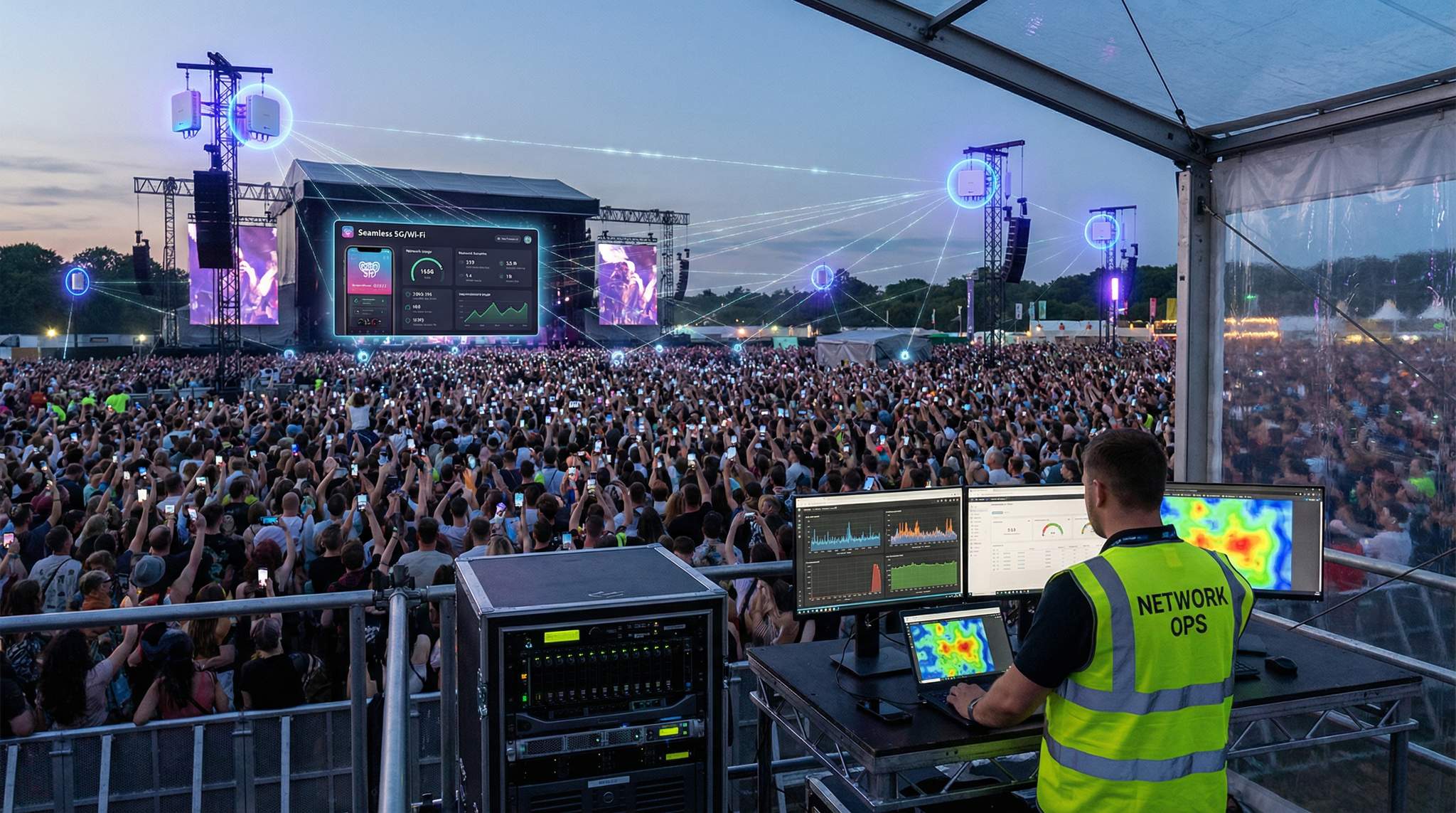
One of the biggest new tools in event connectivity is the rise of private 5G networks. These are essentially your own mini cellular network on site – using small 5G base stations and dedicated spectrum (like CBRS band 48 in the US or local licensing in other countries) to create a closed wireless network just for your event’s devices. Why consider private 5G? Reliability and coverage. A single 5G base station can cover a wide area (hundreds of meters radius) and handle thousands of simultaneous connections with telecom-grade stability. For critical event operations, private 5G offers a way to guarantee connectivity even if public networks are jammed. For example, you could equip all your ticket scanners and staff walkie-talkie smartphones with SIM cards to join a private 5G network that only your team uses. No attendee traffic can interfere, and you control the bandwidth allocation fully. This means scanners, point-of-sale iPads, security cameras, etc. remain online with ultra-low latency (sub-10 ms) even during peak crowd moments to keep lines moving and revenue flowing and facilitate real-time logistics coordination.
Leveraging Cellular and 5G at Events
Private 5G Networks for Events
One of the biggest new tools in event connectivity is the rise of private 5G networks. These are essentially your own mini cellular network on site – using small 5G base stations and dedicated spectrum (like CBRS band 48 in the US or local licensing in other countries) to create a closed wireless network just for your event’s devices. Why consider private 5G? Reliability and coverage. A single 5G base station can cover a wide area (hundreds of meters radius) and handle thousands of simultaneous connections with telecom-grade stability. For critical event operations, private 5G offers a way to guarantee connectivity even if public networks are jammed. For example, you could equip all your ticket scanners and staff walkie-talkie smartphones with SIM cards to join a private 5G network that only your team uses. No attendee traffic can interfere, and you control the bandwidth allocation fully. This means scanners, point-of-sale iPads, security cameras, etc. remain online with ultra-low latency (sub-10 ms) even during peak crowd moments to keep lines moving and revenue flowing and facilitate real-time logistics coordination.
Private 5G can also cover places Wi-Fi struggles, like very large outdoor footprints or areas with lots of radio blockage. Fewer base stations are needed compared to dozens of Wi-Fi APs for the same area (though each base station is costly and needs a license to operate). In 2026, we’re seeing early adoption of private 5G at big sports events, trade shows, and theme parks. Festivals are experimenting too – especially those with cashless payments and live streaming needs across a large site. By deploying a portable 5G kit (companies are now packaging “event 5G” in trailers or cases), organizers can create a mission-critical network alongside the Wi-Fi. A private 5G setup typically includes a core controller and a handful of radio units. During the 2024 World Cup for example, some venues tested private 5G to connect all their security cameras and staff devices, isolating them from the often overloaded public cell networks in the area.
However, private 5G is not a plug-and-play magic bullet. It requires technical expertise to set up (usually through a vendor or integrator), and devices need to support the bands and be configured (e.g. staff need special SIM cards or eSIMs). It’s also currently expensive – often justified only for large-scale events or those with major sponsorship/telecom partnerships. But the benefits are compelling for certain cases: extremely stable connections, wider coverage per node (fewer dead spots than Wi-Fi in open areas), and the ability to prioritize or “slice” the network for different needs (you could dedicate part of the 5G network capacity specifically to streaming video from a remote stage, for instance). Some event tech consultants see private 5G as the future for connecting vendor POS systems and other data-heavy operations because it offers the kind of guaranteed uptime that was previously only possible with wired links, aiding in logistics coordination and crowd management. The technology is evolving fast, so even if you don’t deploy one now, keep an eye on it as it matures and becomes more affordable in the next year or two.
Partnering with Carriers for Attendee Coverage
Even if you build the best private networks and Wi-Fi, a majority of attendees will still lean on their mobile carrier’s 4G/5G service for connectivity. As an organizer, you can’t just hope the local cell towers handle the load – for big events, you should actively collaborate with carriers to augment coverage on-site and ensure fans can make calls and post to social media. Nearly all major telecom providers have special event support teams. Engage them 6+ months in advance with details: how many people, usage expectations, and the layout. Carriers can then deploy Cells-on-Wheels (COWs) – mobile cell towers – or portable antennas around your venue. For example, Coachella partners with Verizon, AT&T, etc., who each bring multiple COW units and even experimental antenna tech to manage the huge data spikes, a strategy employed at events like Coachella and supported by technical support teams. In 2019, AT&T reported Coachella fans used 24 TB of data over their network in one weekend, proving festivals aren’t just about sounds, thanks to boosted infrastructure.
If your event is in a stadium or large indoor arena, check if there’s a Distributed Antenna System (DAS) installed – these are in-building antenna networks that carriers hook into for improving signal in every corner of the venue, and organizers should coordinate with carriers to ensure infrastructure upgrades are invisible to attendees. If not, a temporary DAS or extra indoor antennas might be an option (especially for conventions in big halls). The key is ensuring all major carriers present in the area are looped in. It’s common to have one “official telecom sponsor” that invests heavily (sometimes they’ll brand as the “Official Connectivity Partner” of your event and coordinate on-site), but don’t ignore the others – you don’t want thousands of attendees on Carrier B complaining they had no signal while Carrier A’s users were fine. Talk to each about their plans; at minimum they might increase capacity on nearby towers and bring a rapid-response team in case something fails.
From a technical perspective, carriers may add bandwidth/backhaul to their cell sites serving the venue or turn on extra frequencies (like high-band mmWave 5G for dense crowds in closer range). They will also likely station portable generators or battery backups with their temporary towers to ensure continuous uptime (a detail many organizers don’t see, but it’s critical – a cell tower losing power mid-event is a connectivity killer). Some events even coordinate dedicated SMS short codes or emergency messaging through carriers as part of safety plans, which only works well if the network capacity is there. Overall, making friends with the telcos pays off in happier, connected fans. Attendees being able to make calls, post videos, and receive texts reliably is a huge part of their perceived event quality, driven by today’s hyper-connected attendee behavior and the desire to avoid staring at “No Signal”.
Finally, consider encouraging attendees to use their cell data for general internet use, while you reserve Wi-Fi for more specific high-bandwidth or internal needs. Many festivals choose not to blanket the entire site with public Wi-Fi because carrier coverage (with enhancements) suffices for most, and it’s cheaper to let Verizon/AT&T handle it. Instead, they might provide Wi-Fi in select areas like a VIP lounge or media tent, often referred to as Festival Wi-Fi zones. This hybrid approach keeps attendees online through their phones, while your team focuses your networking resources on operations and critical zones.
Wi-Fi or 5G? A Balanced Approach
A common question is whether cellular will replace Wi-Fi at events or vice versa. In reality, each has strengths, and a balanced approach yields the best connectivity fabric. Wi-Fi (especially 6/6E) offers very high throughput and direct control – you own the network and can shape it as needed. It’s cost-effective for local coverage, and there are no SIMs or subscriptions needed for users. Downsides: range per AP is limited, and performance can drop if not expertly managed in big crowds. Cellular (5G/4G) provides wide coverage and strong mobility (great for attendees walking around). It handles interference and user authentication at the carrier level, taking that burden off you. Downsides: you rely on carriers for public networks, and private 5G solutions are still expensive and complex.
That’s why many events do both. For example, you might use:
– Secure Wi-Fi for staff and vendors: A hidden or password-protected SSID for ticket scanners, POS devices, production crew iPads, etc., possibly on 5 GHz/6 GHz so it’s fast and uncongested, ensuring the crew network remains fast and stable and is used solely for operations. This can be tightly managed and given priority on your internet backhaul.
– Public cellular for attendees: After working with carriers to boost coverage, let attendee phones mostly use 4G/5G for Instagram, messaging, and Wi-Fi calling. This offloads the casual traffic. Maybe only provide public Wi-Fi in specific high-traffic zones or as a sponsored perk requiring a survey, rather than trying to connect 50k fans on one Wi-Fi network (an expensive endeavor).
– Private wireless for critical ops: In a high-budget scenario, deploy a private 5G network or a point-to-point wireless link for absolutely mission-critical data (e.g. a stage’s live video uplink or emergency response team communications). This operates independently so even if the main internet link or Wi-Fi is down, these systems stay live.
By segmenting usage this way, you reduce contention. The public networks and private networks don’t throttle each other because they’re separate. You’re effectively creating lanes of traffic: one lane for the heavy operational stuff (on your controlled Wi-Fi/5G), one lane for general attendee use (on carrier networks), and maybe an extra express lane for special cases. Integration between these is important – e.g. your ticket scanning tablets might use Wi-Fi but failover to a 4G SIM if the Wi-Fi hiccups, ensuring continuous service and that contactless payments work even if the internet fails. Many modern event devices are equipped with both Wi-Fi and cellular capabilities for this reason. It’s not either/or, it’s both, leveraged smartly.
One more note: keep your radio communications (like two-way radios for staff) separate but in mind when planning tech. Traditional radios operate on their own frequencies and won’t interfere with Wi-Fi or 5G, but there’s a trend of LTE/5G-based push-to-talk devices too. If you use those, they need coverage from your private or the public 4G/5G network. Always ensure your critical voice comms – security, medical, etc. – have a fallback (regular analog/digital radios as backup to cell-based apps, for example). Redundancy between Wi-Fi, cellular, and radio will make your communication bulletproof, which is crucial in an emergency.
In summary, a 2026 event network is a blend of technologies operating in harmony. Wi-Fi 6/6E offers local high-speed hubs, private 5G adds a wide safety net for your operations, and carrier 5G blankets the crowd. The resulting experience: attendees get their selfies posted and texts delivered, staff devices stay online and responsive, and your critical systems run on time – all without one network overloading the other. To achieve this, however, you must also pay close attention to how you architect and safeguard these networks, as we discuss next.
Network Architecture: Segmentation, Security & QoS
Isolating and Prioritizing Critical Systems
A hallmark of rock-solid event networks is segmentation – dividing the network into separate slices for different purposes, creating a dedicated network for internal systems and following best practices for network separation. This goes beyond simply having different Wi-Fi network names (SSIDs); it often involves VLANs and firewall rules behind the scenes to keep traffic isolated. The goal is to ensure that no matter what attendees do on their network, it cannot impact the performance or security of operational networks. For example, your public guest Wi-Fi should be completely firewalled off from the network that runs ticket scanners and payment terminals, putting payment terminals on their own isolated VLAN and separating them from stage controls. If an attendee tries some malicious snooping or just accidentally floods the network with a big upload, it will only affect the public segment – your internal systems remain untouched on their own segment. Practically, this might mean setting up multiple SSIDs: “EventStaff”, “Vendors”, “Media”, and “Guest”, each mapped to its own VLAN and IP subnet. Devices on one VLAN can’t talk to devices on another unless explicitly allowed. Many enterprise Wi-Fi systems support this with ease (you can tag traffic by SSID to VLANs on the wired network).
Beyond security, segmentation helps with performance prioritization. You can apply Quality of Service (QoS) rules to guarantee bandwidth for the most important segments. Perhaps you give the “EventStaff” VLAN highest priority and a minimum reserved throughput, the “Media” VLAN next priority (so journalists can reliably upload their high-res photos), and the “Guest” network lowest priority with maybe a per-user throttle. That way, if there’s ever contention on your internet backhaul, staff traffic (scanning, credit card authorizations, etc.) will sail through first, utilizing separate VLANs for critical traffic and prioritizing critical tasks. Attendees might experience a bit slower Wi-Fi during peak times, but crucially, they won’t be able to hog resources to the point of disrupting operations. At one festival in India, the tech team noticed public Wi-Fi users uploading tons of videos and impacting press uploads; the next day they tweaked QoS and the press network sped back up while public traffic was subtly throttled – the media got their stories out on time and attendees still shared their clips, just a tad slower, proving that prioritization can be the difference. Thoughtful prioritization like this can make the difference between a smooth event and various teams stepping on each other’s bandwidth.
Access control fits in here as well. Not every crew member or vendor needs access to every network. You might give vendors a different Wi-Fi key that only grants internet (and maybe access to the payment system) but not any internal file servers or production tools. Some large events issue unique login credentials to each vendor for the vendor Wi-Fi, so if someone starts abusing bandwidth you can identify which vendor it is and throttle that one account. For attendee Wi-Fi, if provided, always enable client isolation – this prevents devices on the guest network from seeing each other directly, or using separate routers for guests to ensure less secure vendor devices don’t compromise the network. It stops basic hacking like one guest trying to access another’s phone or laptop. Client isolation essentially forces all guest-to-guest communication to route through the internet, not locally, which is a safer setup in a public environment.
When mapping out segmentation, list all the “network uses” at your event: ticket scanning, POS, staff comms, lighting/AV control, CCTV, press center, attendee internet, sponsor activations, etc. Then group those by sensitivity and function. A common breakdown is:
– Operations Network (Crew) – for ticketing devices, internal comms, production team, security systems. Locked down and highest priority.
– Payments Network – sometimes separated further for PCI compliance; all payment terminals and top-up stations on their own VLAN with strictly limited access (they might only reach the payment provider’s cloud, nothing else), ensuring payment systems are isolated from stage controls and fenced off from other traffic.
– Media/Press Network – high bandwidth but moderate priority; isolated from operations; possibly open only in certain areas (media tent).
– Public Wi-Fi Network – open or guest access, heavily firewalled and rate-limited; essentially just internet access and nothing more, where you can throttle each session or limit bandwidth and provide basic connectivity.
– IoT/Production Tech – if you have smart lighting, RFID portals, IoT sensors, consider putting them separate too, to shield them from general traffic and vice versa. Many production teams now run lighting and audio control on a dedicated wired network or a secured Wi-Fi to ensure no interference.
Setting this up might sound complicated, but modern network gear often has profiles or templates for “Guest Wi-Fi” vs “Secure”. Use those, and consult with your network engineer or vendor. They can configure VLAN tagging on switches and the appropriate ACLs (access control lists) on the router/firewall between segments. The result is compartmentalization: even if one network segment gets compromised or flooded, it doesn’t affect the rest. Think of it like watertight bulkheads on a ship – one leak won’t sink you, ensuring one breach doesn’t flood the network.
Security Practices for Event Networks
Events are temporary, but that’s no excuse for lax security – in fact, hackers have been known to target event Wi-Fi or systems because they assume defenses are down. To keep your networks safe, start with encryption. All operational Wi-Fi networks (staff, vendor, etc.) should be secured with strong WPA2 or WPA3 encryption and a solid password, preventing a shared password from getting out and securing staff or devices via individual logins. Never run your internal event networks open (unencrypted). Use WPA3-Enterprise with individual logins or certificates if you want maximum security for staff devices – though for simplicity, a well-chosen WPA2-PSK (pre-shared key) that you change each event might suffice. For attendee “free Wi-Fi,” you could make that open or use a simple captive portal if you wish (many events do to avoid support issues with passwords). But remind attendees via signage what the official network name is so they don’t fall for any rogue access points on routers. It’s trivially easy for a malicious actor to set up a fake “Event_Free_Wifi” network to lure attendees into connecting and snoop on people. Combat this by clearly advertising your legitimate SSID and possibly using a captive portal with your branding – if users connect to something else and don’t see the expected splash page, they’ll know it’s not official.
Protect the hardware. Change default admin passwords on all network equipment – routers, switches, AP controllers – before the event, utilizing a captive portal on the official guest network. This prevents someone on-site from logging into your gear (many default creds are widely known). Disable any unnecessary services on the gear too (for example, if an AP has a Bluetooth interface you’re not using, turn it off; if a router’s web management doesn’t need external access, restrict it to local connections only). If you provide any public wired Ethernet ports (say in a press room), treat them like untrusted – put them on the guest VLAN or use port security on the switch so only authorized devices can use them, allowing you to fully control who plugs in.
Monitoring for threats is wise even during a short event. If you have the tools, enable intrusion detection or at least watch the traffic for anomalies. For instance, your firewall can alert if it sees a device on the attendee Wi-Fi trying to scan IP ranges or initiate tons of new connections (could indicate a worm or hacker), protecting ticket scanning or live stream data and allowing you to prevent abuse by users. Some advanced Wi-Fi systems have a “wireless intrusion detection” feature to flag rogue APs or de-auth attacks. And yes, those attacks happen – there have been cases of disgruntled individuals jamming event Wi-Fi or sending de-auth packets to knock attendees offline. Having monitoring means your IT team might catch and locate such issues faster (e.g. with a spectrum analyzer to find an interference source).
Finally, plan for safe failover. Encourage staff that if something seems wrong with the network (e.g. their device gets a weird certificate warning), they should report it immediately. Have a backup communication channel for your crew (like two-way radios) in case Wi-Fi goes down due to an attack so that you can coordinate a response. And ensure all sensitive systems (ticketing, payment) connect via VPNs or encrypted protocols to their servers, especially if using any public networks. Most modern systems do (HTTPS, TLS, etc.), but double-check; if your registration laptop is just doing unencrypted HTTP, someone on the same network could potentially intercept that traffic. Zero trust is a good philosophy – assume even your internal networks could be breached and limit what any single device or user can access. For example, a vendor’s POS tablet on your Wi-Fi should ideally not be able to reach your operations laptop – there’s no need, and this way if the POS tablet is compromised, it can’t jump to your core systems. All these measures ensure that even if bad actors try something, they’ll find hard targets and limited blast radius.
On-Site Network Support and Monitoring
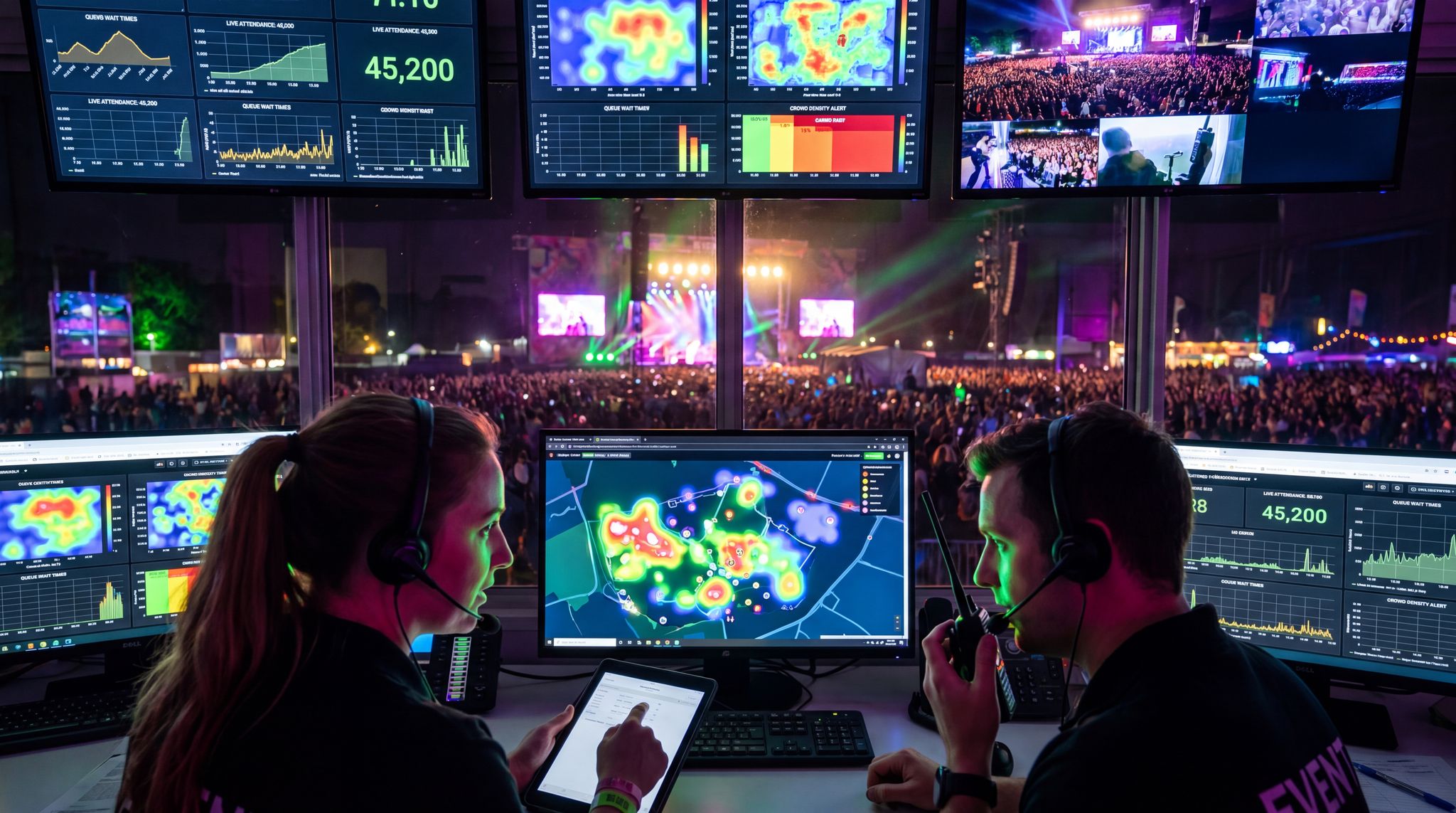
Designing a great network is half the battle – keeping it running in the heat of the event is the other half. For any sizable event, it’s highly recommended to have a dedicated network IT crew on-site (or on call) during the show. These are the folks watching dashboards, ready to reboot devices or swap cables if something fails, and responding to connectivity issues in real time. At major festivals and conferences, an on-site Network Operations Center (NOC) is set up, often in the production office or tech bunker, with screens showing link status, AP client counts, bandwidth graphs, and any alerts. The network team can pinpoint “AP in Zone B down” or “Internet backhaul 1 is dropping packets” and fix it before it becomes a noticeable problem. If you don’t have these resources in-house, consider hiring a professional event Wi-Fi company or consultant who offers live monitoring services.
One useful practice is doing a daily health check of the network (for multi-day events, e.g. every morning before gates open). Walk the site with a test device to ensure all SSIDs are broadcasting and key services work. Check that backup links are still connected. Sometimes gear can overheat or crash overnight – better to catch it at 8 AM than during the lunch rush. Also, keep spare equipment handy: an extra configured AP or two, spare switches, plenty of cables, and backup power injectors. If an AP serving your main stage crowd dies, your team should be able to grab a hot spare and swap it in within minutes. Redundancy at the hardware level is cheap insurance; savvy event network architects configure two core switches in case one fails, and use dual uplinks or STP (spanning tree protocol) so that if one cable is cut, traffic reroutes on another. We’ll talk more about internet link redundancy in the next section, but internal network redundancy matters too.
It’s also wise to implement real-time adjustments once attendees are present. If you notice one area’s APs are overloaded (say, the Wi-Fi in Hall A has 300 users per AP while Hall B’s APs have 50 each), you can decide to redistribute or add an AP on the fly if possible. Many cloud-managed systems allow you to adjust transmit power or channel assignments live to balance loads. Having a roaming tech with a Wi-Fi analyzer can find dark spots or overloaded cells so you can tweak coverage – for example, you might raise power on an AP at the edge of a crowd to encourage some users to roam to it instead of all clinging to the central AP. At festivals, IT teams sometimes drive around in a cart with testing gear, checking signal in various zones and optimizing as they go to ensure maximum reliability during the show.
Don’t forget support for users too. Attendees might need a little help to get online (e.g. “What’s the Wi-Fi password?” or “Why can’t I load the app?”). If you offer public Wi-Fi, consider a few support staff at info booths who at least have basic training to assist with connectivity questions. For crew and vendors, hold a brief training on your network setup: let them know which SSID to use for what, any login steps, and who to contact if there’s an issue. Sometimes just advising “your scanner has both Wi-Fi and cellular – if it’s slow on Wi-Fi, switch to LTE” can resolve a hiccup quickly, but staff won’t know to do that unless told.
In essence, treat your event network like a mission-critical system (because it is!). Monitor it actively and have human eyes on it. As part of your war room or production HQ, include network status in the reports: e.g. “All systems green” or “We lost one fiber line but failed over seamlessly at 3 PM.” This keeps everyone aware and ready. When you’re prepared in this way, even unexpected glitches – a patron accidentally unplugs a cable, or a spike in usage – can be swiftly handled with minimal impact. The result is what every organizer wants: attendees and crew who never even realize there was a networking issue because everything fell into place with backups, fixes, and vigilance.
Redundancy and Fail-Safes: No Single Point of Failure
Multiple Internet Connections (Always Have a Plan B)
Your event could have the best Wi-Fi deployment ever and still grind to a halt if the internet uplink fails. All that on-site connectivity needs a pipeline out to validation servers, payment gateways, cloud content, etc. For this reason, redundant internet connectivity is an absolute must for critical events, utilizing satellite mesh networking for festival connectivity. Redundancy comes in a few flavors:
– Secondary wired line: If your venue or site can get two hardline internet circuits (from different ISPs if possible), do it. For example, one festival arranged a primary fiber line and a secondary cable broadband line; when a backhoe cut the fiber mid-event, their routers failed over to the cable line in seconds and kept systems online (albeit at slightly reduced capacity). The audience never knew a major outage was just avoided.
– Wireless backup: Often you can’t have two fibers in a field, but you can have 4G/5G. Many events set up a cellular backup using enterprise 5G routers or bonded 4G LTE modems. These can provide hundreds of Mbps as a safety net. Modern routers support automatic failover: they’ll use the wired link normally, but if it dies, they switch to the cellular within moments. In 2024, Glastonbury Festival’s tech team famously combined multiple backhauls – fiber, local microwave, plus a Starlink satellite – with intelligent failover, achieving 100% uptime for their critical systems, utilizing satellite mesh networking for festival connectivity. That meant even if any one link went down (which one did during bad weather), the others instantly took over.
– Satellite internet: Satellite links (like SpaceX Starlink or traditional VSAT) are now viable backups. They have high latency but can carry transactions and comms in a pinch. For very remote sites with no other option, a satellite may even serve as primary with a second one as backup.
The key with multiple connections is to test the failover before the event. Don’t just assume your router will seamlessly switch – pull the plug on the primary during a rehearsal and see what happens. Also, configure what traffic goes where. For instance, you might have general attendee Wi-Fi not failover to the tiny backup link (to avoid saturating it), reserving the backup strictly for operations. Quality network gear lets you set these policies. At minimum, ticketing and payment systems must stay online, even if you have to drop guest Wi-Fi during an ISP outage to conserve bandwidth.
If true redundancy is impossible (say, only one ISP serves the venue and cell signals are poor), then at least have an offline mode strategy (covered below) and consider caching. For example, cache your schedule and maps within the app so it still loads info without internet. Have an offline copy of the ticket database at the gate. These are plan B’s if Plan A (a second internet) fails or isn’t available. The Boy Scout motto applies: Be Prepared. Assume at some point your primary network will go down and decide now how you’ll handle it swiftly.
Power Backup for Networking Gear
Redundancy isn’t just about data paths – it’s also about keeping the lights on for your tech. A common overlooked failure point is power to your networking gear. If a breaker trips or someone unplugs the wrong extension cord, you could lose your switches or APs even though the internet link is fine. Always use UPS units (Uninterruptible Power Supplies) or battery backups on critical networking equipment like the core switch, router, and any fiber modems. Even a small 5–10 minute UPS gives you a buffer to start a generator or swap power feeds without dropping the network.
For outdoor festivals, ensure networking closets or racks are on the generator that has fuel priority (e.g. same as stage power perhaps) or on multiple generators for diversity. If you have a separate small generator for tech, have a second one ready in case it fails. At one multi-day art festival, the main communications trailer had a UPS, but when the area generator died unexpectedly, that UPS drained after 15 minutes and then all internet and radios went down – right as a storm rolled in. Lesson learned: they added a backup generator and longer-life batteries next time.
Also consider surge protection and conditioned power – spikes or drops in power can crash networking devices or corrupt them. Ruggedized power distribution with voltage regulation can help in remote sites where generator power isn’t stable. It sounds like overkill, but a little box that keeps steady 120V (or 240V) output can prevent weird intermittent resets of your routers.
Don’t forget to secure the physical setup: use cable ties or lockable cases so that someone can’t inadvertently switch off a power strip feeding your network gear while plugging something else in. Clearly label “Do Not Unplug – Event Internet” on those cords! Redundancy here may mean running two power lines (from different circuits or generators) to your network rack, each feeding half the devices or a transfer switch. That way if one circuit fails, not everything is dark. In professional terms, an A/B power feed like in data centers. Few events will go that far, but for a critical show, it’s worth thinking about.
In summary, treat power as part of your network’s lifeline. Backup power ensures your connectivity doesn’t die due to a preventable issue like a trip or outage. Combined with multiple internet feeds, you’re covering both electricity and data redundancy – which greatly reduces the chance of a total network failure on event day.
Offline Modes and Failsafe Operations
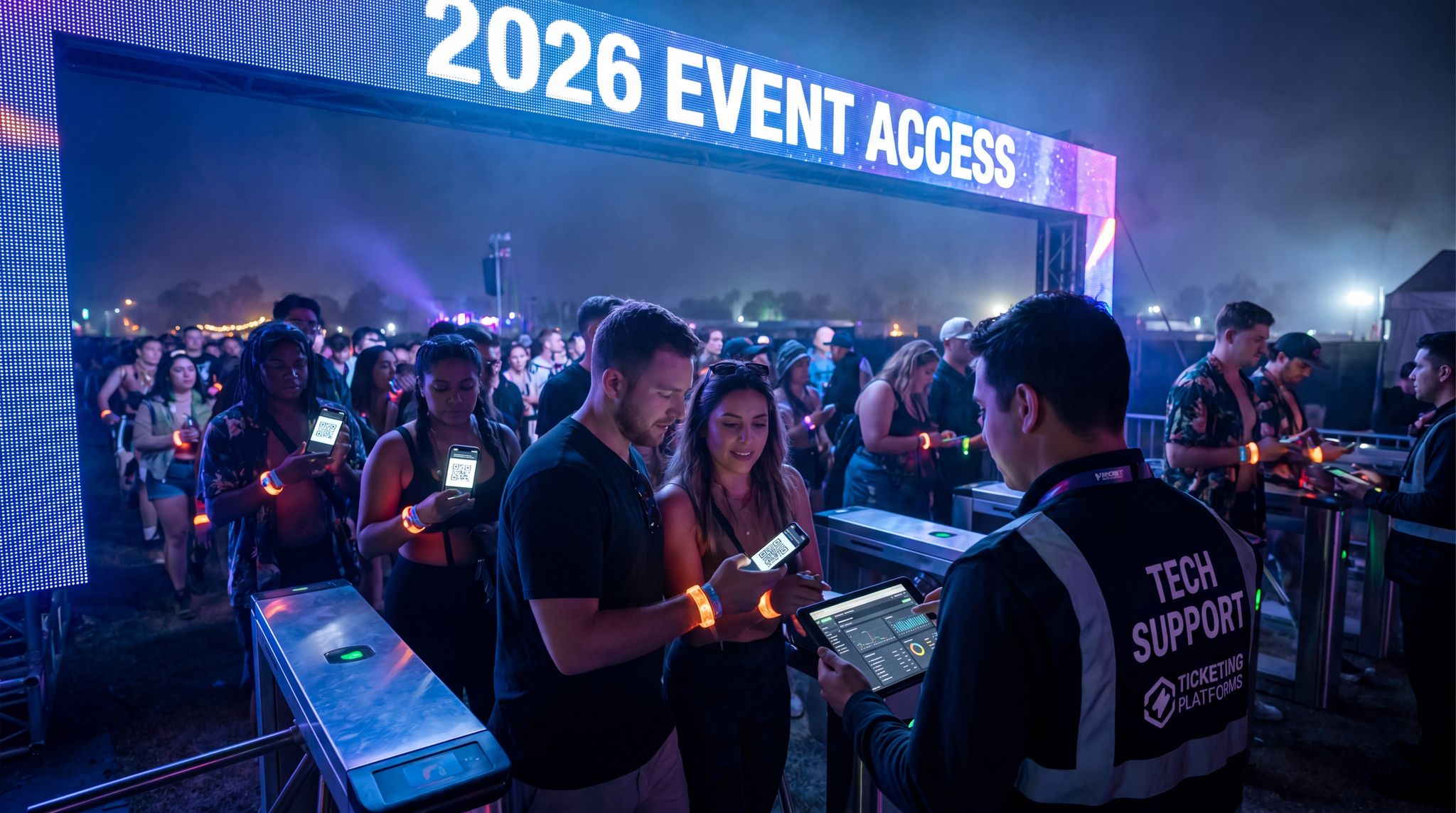
Even with all the connectivity in the world, prudent event teams implement offline-capable systems wherever possible. “Offline mode” means a system can keep doing its job without needing instant server communication. In practice, this is most crucial for ticket scanning and payment processing. The best-of-breed solutions in 2026 have been built with intermittent connectivity in mind, such as using offline-capable ticketing systems and systems that download the full list. For example, Ticket Fairy’s scanning app (to toot our own horn) downloads the full encrypted attendee list to each scanning device before gates open. If Wi-Fi blips, the scanner still validates tickets against its local database and no duplicate entry will slip through, thanks to systems that download the full list. Once connectivity is back, it syncs scans to the cloud and cross-checks any usage. This ensures entry keeps moving even if the internet is momentarily unavailable. As an organizer, you should insist on this kind of functionality from your ticketing provider – it’s saved many events from embarrassing gate delays. A well-known UK festival learned this the hard way years ago when their access control went down and, without offline capability, thousands of fans waited for hours because nothing could be validated. Nobody wants a repeat of that fiasco, so thinking through connectivity ensures you avoid delays if connectivity issues arise.
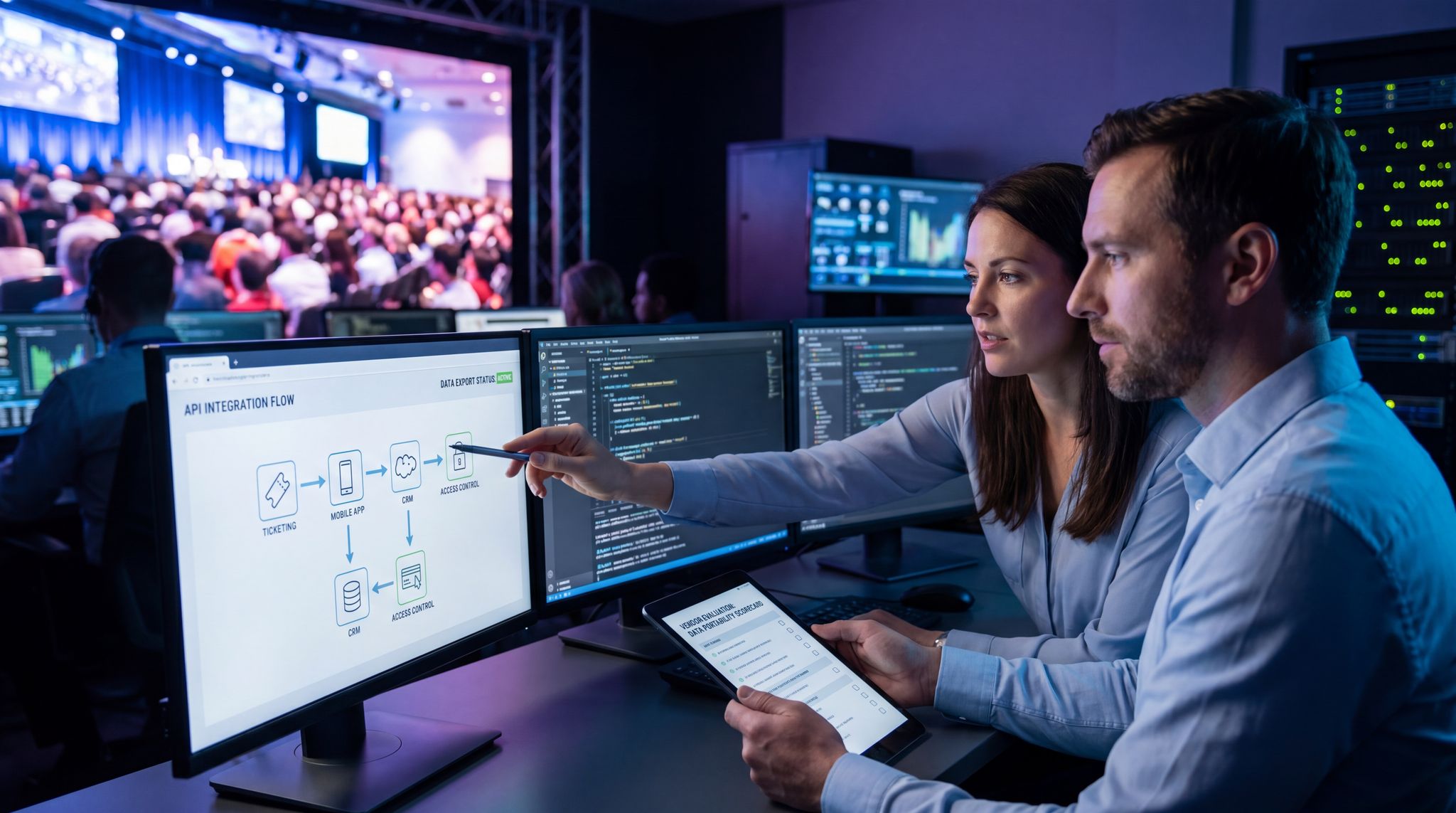
When organizers ask, “what’s new?” regarding credential validation events, the answer often lies in hybrid edge-cloud architectures. Modern access control systems now utilize a dedicated broadband platform that synchronizes local edge servers with the cloud in real-time. If the primary internet connection drops, the local platform seamlessly takes over the validation process without missing a beat. Once the broadband link is restored, the system automatically pushes the offline validation data back to the central database, ensuring that multi-gate entry points remain perfectly synced and secure.
Similarly for cashless payments and POS: choose systems that can store transactions offline and auto-sync later, so you don’t expect to swipe a card and wait and can ensure offline-capable POS will keep sales flowing. If your bar’s card reader can still approve a drink purchase while offline (perhaps by setting a max offline spend limit or relying on the chip/PIN offline approval), then a 10-minute network outage doesn’t stop the beer flow. Many RFID wristband systems also support offline mode – the wristband chip can hold the balance, so it just deducts locally and updates the server when reconnected. In any case, train your vendors and crew on offline procedures. For instance, if the network is down, maybe switch to manual imprinting or have a stack of pre-authorized drink tokens as a contingency to hand out (extreme, but events have done this to keep people happy during tech outages). Also, print out some critical info: like a will-call list or vendor contact sheet – so you’re not stuck if your digital system is momentarily inaccessible.
Even communication can have offline backup: e.g. a plan that “if the staff chat app fails, we all revert to channel 2 on the radios” or “if the PA system can’t stream the announcement, someone physically uses a bullhorn.” These aren’t network solutions per se, but they’re part of the failsafe thinking. Essentially, ask “What if this goes down?” for each tech system and have an answer. You likely won’t need most of them, but that one time your network does hiccup, you’ll thank yourself for the backups.
On the tech side, edge caching is another neat solution. If you have a local server or even a high-performance laptop on-site, you could cache key data – like a copy of your registration database, or local content distribution for streaming sessions – at the venue network’s edge. Then users pull from there rather than across the internet, reducing impact if the external link is slow. Large conferences sometimes run local “servers” for their event app or streams: attendees accessing the schedule or live video get it from a local Wi-Fi server, which stays up regardless of the outside internet, and only one upstream feed is needed for the outside viewers. This is advanced and not always necessary, but it shows how far you can go to keep things running locally if external connectivity dies, utilizing network infrastructure to prevent outages. In fact, one integration best practice for massive events is to design for “graceful degradation” – meaning all essential operations have an offline or local fallback, a key part of building a connected event tech ecosystem. Then when connectivity returns, everything syncs up and no data is lost.
The mental shift here is to not depend on constant connectivity for mission-critical tasks. Use it when you have it (which should be 99% of the time if you follow earlier advice), but design workflows that tolerate the 1% downtime. The peace of mind this gives your frontline staff is huge – they know a Wi-Fi outage won’t immediately leave them crippled at the gate or cash register. Instead of panic, it’s “okay, we’re offline, but we can keep scanning tickets and selling merch, and we’ll catch up on the backend soon.” That confidence can literally save your event from spiraling into a crisis during a tech glitch, ensuring contactless payments work even if the internet fails and using systems that download the full list.
Common Connectivity Pitfalls and Solutions
Even with excellent planning, there are recurring pitfalls that catch event teams off guard. Here we summarize a few and how to avoid them:
| Challenge | Solution / Mitigation |
|---|---|
| Overloaded Wi-Fi (too many users per AP): Crowds of devices swamp a few wireless access points, causing slowdowns or drops. | Deploy sufficient APs for density – aim for <50 users per radio when possible. Use Wi-Fi 6/6E APs which handle multi-user traffic far better than older models. Break up large areas with directional antennas and lower power to create smaller cells. Monitor client counts and redistribute or add APs if one is overloaded. |
| Spectrum Congestion / Interference: So many networks and signals in one place (or external interference from nearby) that Wi-Fi becomes unstable. | Use 5 GHz and 6 GHz bands heavily – avoid crowded 2.4 GHz except for low-bandwidth or legacy needs. Coordinate with neighbors (or within a big venue) to reduce SSID count and channel overlap. Consider a spectrum scan before the event to identify interference sources. In critical areas, a private 5G or wired connection can bypass Wi-Fi noise altogether. |
| ISP Outage or Throttling: The single internet line provided goes down or can’t handle the throughput (common in remote sites or if relying on basic broadband). | Always secure a second internet source (another ISP line, 4G/5G modem, or satellite) for redundancy. Use enterprise routers with automatic failover, as seen at the massive Glastonbury Festival. Test that failover. If using consumer broadband, clarify the data cap or throttle limits and have contingency (e.g. switch to backup if primary is throttled after X GB). |
| Power Loss to Network Gear: A blown fuse, drained generator, or unplugged cable turns off your switches/APs. | Use UPS backups on all central gear to ride out short outages. Distribute critical network gear across different power circuits if possible so one breaker issue doesn’t kill everything. Secure and label power connections – tape down cords, and put “Do Not Unplug” tags on vital ones. Have a backup generator ready for networking equipment if mains power is unstable. |
| Equipment Failure: A router, switch, or access point fails in the middle of the event (hardware fault or firmware crash). | Carry spares of all key equipment, pre-configured for quick swap in. Use redundant switch setups or link aggregation for core paths – so if one device fails, the other picks up. Keep firmware up to date before the event to avoid known bugs (but don’t do major upgrades during the event unless absolutely needed). |
| Rogue or Unsafe Wi-Fi Use: Unauthorized access points or risky user behavior (e.g. someone setting up a malicious hotspot, or an attendee running a torrent over event Wi-Fi). | Continuously scan for rogue APs and have a policy/team to locate and disable them, helping protect against rogue access points. Segment and firewall users – even if a rogue AP shows up, it can’t get into your internal network. Throttle guest Wi-Fi and block high-abuse protocols (P2P, etc.) so one user can’t hog capacity or do illegal things through your network. |
| Lack of On-Site Expertise: Something goes wrong and no one knows how to fix it under pressure. | Ensure you have a knowledgeable network engineer on call or present. If using an external Wi-Fi provider, have their support on standby. Leading up to event, document the network setup (IP ranges, device login info, configs) so any IT-savvy person could step in and troubleshoot with that cheat sheet. Run a full test day with all systems to catch issues early. |
By anticipating these issues, you can implement the safeguards – many we’ve discussed in detail above – to prevent minor hiccups from becoming event-critical failures. Redundancy, segmentation, monitoring, and offline capabilities together create a resilient network ready for the unpredictability of show day.
Real-World Examples of Flawless Connectivity
Glastonbury Festival 2024 – Multi-Layer Redundancy
One of the world’s largest festivals, Glastonbury (210,000+ attendees), has become a case study in robust event networking. By 2024, the production tech team treated connectivity as mission-critical as staging. They implemented a dedicated on-site network spanning the 900-acre grounds, including fiber optic links between stages and operations centers, a site-wide Wi-Fi for crew, and backup wireless links. Most impressively, Glastonbury combined multiple internet uplinks – leasing a primary gigabit fiber into the farm, but also arranging a microwave radio backup to a nearby town and even stationing a Starlink satellite unit as a tertiary backup, treating connectivity as mission-critical as stages or power generators. All these were bonded with intelligent routing so that if one dropped, the others instantly carried the load, utilizing satellite mesh networking for festival connectivity and redundant systems. During the 2024 festival, this setup delivered 100% uptime for critical services (ticket scanning, points of sale, production comms) despite one brief fiber cut; the auto-failover worked seamlessly, and neither staff nor attendees noticed any disruption.
To handle huge on-site demand, Glastonbury’s team deployed over 250 Wi-Fi access points for crew and vendors, segmenting traffic for different uses. Crew devices were on a secure 5 GHz network with top priority, while vendors had a separate VLAN ensuring payment traffic stayed isolated and fast. Press and media were given dedicated Wi-Fi in their tent with high-capacity 6 GHz 6E coverage, so journalists could upload high-res photos and videos quickly. Meanwhile, public Wi-Fi for attendees was very limited – instead, Glastonbury invested heavily in mobile carrier partnerships. Major UK telecoms rolled in temporary towers and mobile cell sites across Worthy Farm, supported by technical support teams and coordinating with telecom providers well in advance, boosting 4G/5G coverage so that festival-goers could still tweet and stream. Attendees remarked that they actually had better signal at this remote festival than in some cities, a result of careful coordination with carriers.
The payoff of these efforts was apparent: vendors processed millions of pounds in cashless payments without a hitch, entry gates scanned tens of thousands of tickets smoothly each day, and the production command center had real-time dashboards of crowd metrics and safety alerts throughout. By investing in redundant connectivity and segregated networks, the festival avoided the connectivity nightmares that plagued some other events. As Glastonbury’s CTO noted in an interview, “If our networks go down, the festival stops. So we built it not to go down.” This real-world success shows that even at massive scale, flawless connectivity is achievable with the right design – and that it directly contributes to an event’s operational triumph.
Shopify Summit 2025 – High-Density Wi-Fi 6E in Action
When e-commerce giant Shopify held a 4-day global summit for 8,500 employees and partners in Toronto, they knew connectivity would be a make-or-break factor. This wasn’t a public event, but a tech-heavy internal one – attendees were all power users with multiple devices, engaging in hackathons, live coding sessions, and constant video calls. The summit’s network had to support thousands of simultaneous high-bandwidth connections with zero downtime. To accomplish this, the organizers partnered with a professional Wi-Fi integrator and deployed over 330 Wi-Fi 6 and 6E access points across the venue, utilizing UniFi’s rapid deployment capability and enabling 6 GHz for 6,500+ people, along with 1,000+ network switches and Ethernet drops for added capacity. They essentially blanketed every conference room, hall, and even lounge areas with strong, low-interference Wi-Fi signals.
The core network was designed to handle 25,000+ concurrent devices – and indeed at peak, they hit around 27,000 connected devices (including laptops, phones, and IoT gadgets) online at once without slowing down, achieving exceptional performance for 27,000+ total clients and demonstrating scalability as a decisive factor. How? Firstly, by leveraging Wi-Fi 6E’s new spectrum: many of the APs were tri-band, and they offloaded a big chunk of newer devices to the 6 GHz band which had dozens of clean channels available. This left the 5 GHz band less congested for devices that needed it. Secondly, the network team pre-configured bandwidth allocation and QoS – for example, the hackathon streams and video calls were prioritized, while software downloads or updates were throttled to prevent clogging the pipes. They also implemented an on-site caching server for common cloud software used during the event, so that 100 developers pulling a large package update didn’t each hit the external internet.
Another key was extensive testing: before the summit, they simulated load by connecting thousands of dummy Wi-Fi clients and generating traffic to see where weak points emerged. This led to fine-tuning AP locations and power levels. During the event, a command center tracked usage by zone; when one lounge area got unexpectedly packed (and its APs neared capacity), they dynamically increased capacity by temporarily reassigning an AP from a nearby hallway and tweaking channel use. Attendees hardly noticed any network issues – in fact, the common feedback was amazement that the Wi-Fi held up even when everyone was online writing code and video conferencing. The successful summit showcased that with meticulous planning and cutting-edge tech, it’s possible to serve ultra-high density use cases. For organizers of large tech conferences or esports tournaments, this is a blueprint: invest in enough modern APs, use new spectrum, optimize with experts, and test under load. The result can be a connectivity experience so seamless that even thousands of techies streaming 4K and sharing giant files won’t bog it down.
MegaCon Trade Show – Blending Networks for 100K Attendees
Consider a more general example: MegaCon, a fictional (but representative) multi-day trade show in 2026 hosted at a major convention center, drawing 100,000 attendees. MegaCon’s connectivity strategy offers a practical template for large consumer events. They started with the venue’s infrastructure – a robust wired backbone and an existing DAS for cellular – and augmented it for the show’s needs. The IT team segmented three tiers of wireless service:
First, a private staff Wi-Fi on Wi-Fi 6 was deployed throughout the expo halls and backstage areas. This encrypted network was used for organizer comms, badge scanning at session doors, and live polling during keynotes. It was mapped to a VLAN with access to internal tools and given the highest QoS priority. Second, a VIP/Press Wi-Fi network was set up in press lounges and VIP zones, utilizing Wi-Fi 6E. Media attendees with 6E-capable devices enjoyed fast uploads for their daily coverage – a crucial perk that MegaCon marketed to attract press (no one wants to fight for signal when filing stories on deadline). This network ran on its own internet line (a 500 Mbps dedicated circuit) separate from the main attendee internet, ensuring guaranteed bandwidth for uploads.
For the general attendees, MegaCon opted not to attempt full hall Wi-Fi (the cost and complexity would be huge). Instead, they worked closely with telecom carriers to boost 5G coverage on the show floor, partnering with carriers to augment coverage on-site. The venue’s DAS was upgraded temporarily: extra antenna capacity and portable repeaters were added in high-traffic zones. The show’s app and digital features were designed mobile-first assuming users on 5G. Attendees in exhibitor booths who needed Wi-Fi could get on exhibitors’ own networks (many big booths bring their own small Wi-Fi for demos, connected via the venue’s wired drops). Meanwhile, MegaCon provided free Wi-Fi hotspots only in certain rest areas and food courts – enough to cover a few thousand concurrent users when people sat down for breaks, often referred to as Festival Wi-Fi zones. Those hotspots required a quick sponsor survey login, which throttled each user after an hour to discourage abuse. It was a conscious decision to blend networks: let cellular do the heavy lifting and provide supplemental Wi-Fi where it mattered most, rather than trying to blanket 1 million square feet with flawless free Wi-Fi for 100k people (an unrealistic goal).
This approach paid off. Attendees reported solid connectivity – they could upload social posts and use the app via 5G just fine. The press had a smooth experience on the dedicated Wi-Fi, resulting in positive media coverage filed on time. Internal operations ran without a hitch, as staff iPads quickly scanned badges and processed on-site ticket upgrades even when crowds peaked. And because MegaCon avoided overloading any single network, there were no major outages. If one carrier had a hiccup, many attendees hopped to another network or the Wi-Fi spots, keeping complaints minimal. The lesson here is that a hybrid connectivity strategy can maximize reliability: use each medium (Wi-Fi, 5G, wired kiosks if needed) for what it’s best at. Not every event needs to provide wall-to-wall Wi-Fi for attendees, as long as you ensure they stay connected through some means. By intelligently combining resources, even a massive trade show delivered what we all want – seamless connectivity – without breaking the bank or over-promising on tech.
Hospitality and Arena Upgrades: Boosting Guest Satisfaction
When examining recent hospitality arena case studies, improved uptime and guest satisfaction consistently trace back to modernized connectivity infrastructure. For instance, a premier 20,000-seat indoor arena recently overhauled its legacy network to support both high-end VIP hospitality suites and general admission bowls. By deploying a unified Wi-Fi 6E backbone alongside a private 5G network for point-of-sale terminals, the venue achieved 99.99% network availability during back-to-back sold-out concerts. This infrastructure upgrade eliminated the dreaded POS offline delays at concession stands and allowed VIP guests to stream and share content seamlessly. The resulting data showed a massive drop in connectivity-related complaints and a measurable bump in per-head food and beverage spending, proving that robust networking directly elevates the overall fan experience and venue profitability.